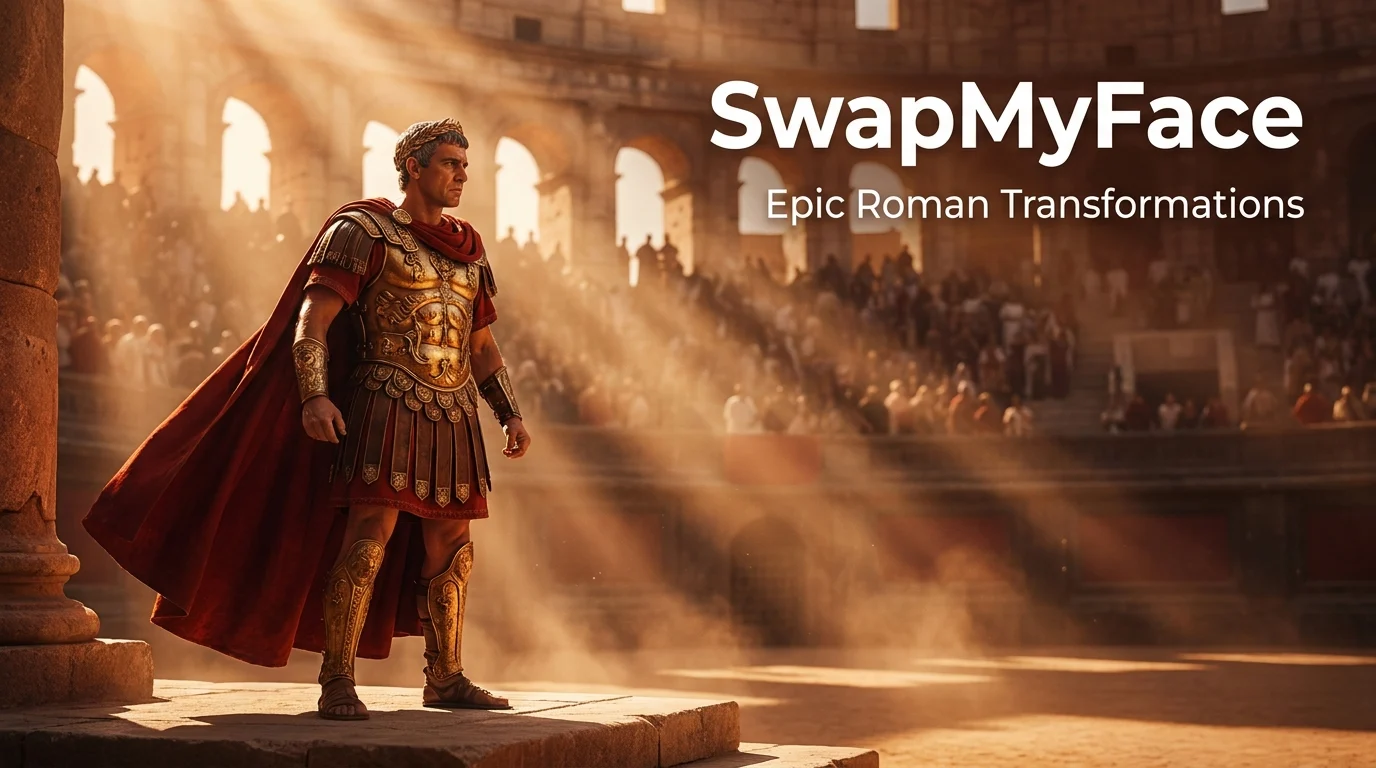
Put Your Face On A Roman Emperor
Caesar, Maximus, Marcus Aurelius. Rome is one of the most iconic settings in human history, and the Gladiator films keep it constantly in the cultural spotlight. With AI face swap, you can crown yourself emperor or step into the Colosseum in seconds. Here's how to do it.
Why Put Your Face On A Roman Emperor?
Roman face swaps are striking and unforgettable. People love them for:
- Gladiator Movie Tributes: Drop yourself into Russell Crowe or Paul Mescal's role.
- Decade Transport Series: Add Roman edits to a series with yourself across different eras.
- History Fan Profile Pics: Stand out with a Roman emperor avatar.
- Toga Themed Parties: Send custom invites featuring the guest of honor as emperor.
- Group Roman Edits: Cast your friend group as the Roman Senate.
Tools To Put Your Face On A Roman Emperor
A few options.
Photoshop
Possible but slow and hard to match the cinematic lighting of films like Gladiator.
AI Face Swap Tools
The fastest method. Use a Gladiator movie still or a Roman emperor portrait, swap your face onto the figure, and you have a cinematic result in seconds. SwapMyFace handles this fast and clean.
Historical Reenactment Photos
Plenty of high-quality Roman reenactment photos exist online and produce great face swap results.
Step-By-Step Guide: How To Put Your Face On A Roman Emperor
Here is the simplest workflow.
Step 1: Pick A Roman Source Image
Great options include:
- Gladiator (2000) movie stills with Russell Crowe
- Gladiator II (2024) stills with Paul Mescal and Pedro Pascal
- Rome HBO series stills
- Roman emperor reenactment portraits
- Toga ceremony photos
Save an image with a clear, front-facing face.
Step 2: Open SwapMyFace
Visit SwapMyFace and sign up.
Step 3: Upload The Roman Image
Upload it as your target image.
Step 4: Upload Your Selfie
Use a clear, well lit selfie. A serious or determined expression works best for an emperor.
Step 5: Run The Swap
The AI swaps your face onto the Roman figure. Cinematic lighting and warm tones are matched automatically.
Step 6: Download And Share
Save and post. Roman face swaps look stunning as profile pictures.
Tip
The SwapMyFace Chrome extension lets you swap directly onto any Roman emperor or Gladiator still you find online.
Tips For Realistic Roman Face Swaps
- Cinematic Expression: Gladiator's most iconic scenes are intense. Match the energy with a determined selfie.
- Warm Lighting: Roman films use warm, dramatic lighting. Indoor selfies with warm tones blend best.
- Front Facing: Direct head-on selfies always produce the cleanest blend.
- High Resolution: Promotional stills from movies like Gladiator II produce sharp finals.
Fun Roman Emperor Ideas
Gladiator Cinematic Edit
Drop yourself into the iconic Colosseum entrance scene.
Roman Senate Group Photo
Cast your friends or coworkers as the new Roman Senate.
Toga Party Invite
Send custom emperor face swap invites for a toga themed party.
History Series
Combine Roman edits with Victorian, Medieval, and other historical eras for a "me through time" series.
Birthday Roman Empire
Turn a friend who's obsessed with the Roman Empire (you know the trend) into the emperor for their birthday.
Safety And Privacy
Gladiator stills and other film images are copyrighted. Personal use and fan posts are typically fine, but avoid commercial use.
Conclusion
Putting your face on a Roman emperor is one of the most cinematic edits you can make. With SwapMyFace, you can rule Rome in 5 seconds, no editing skills required, no subscription needed.