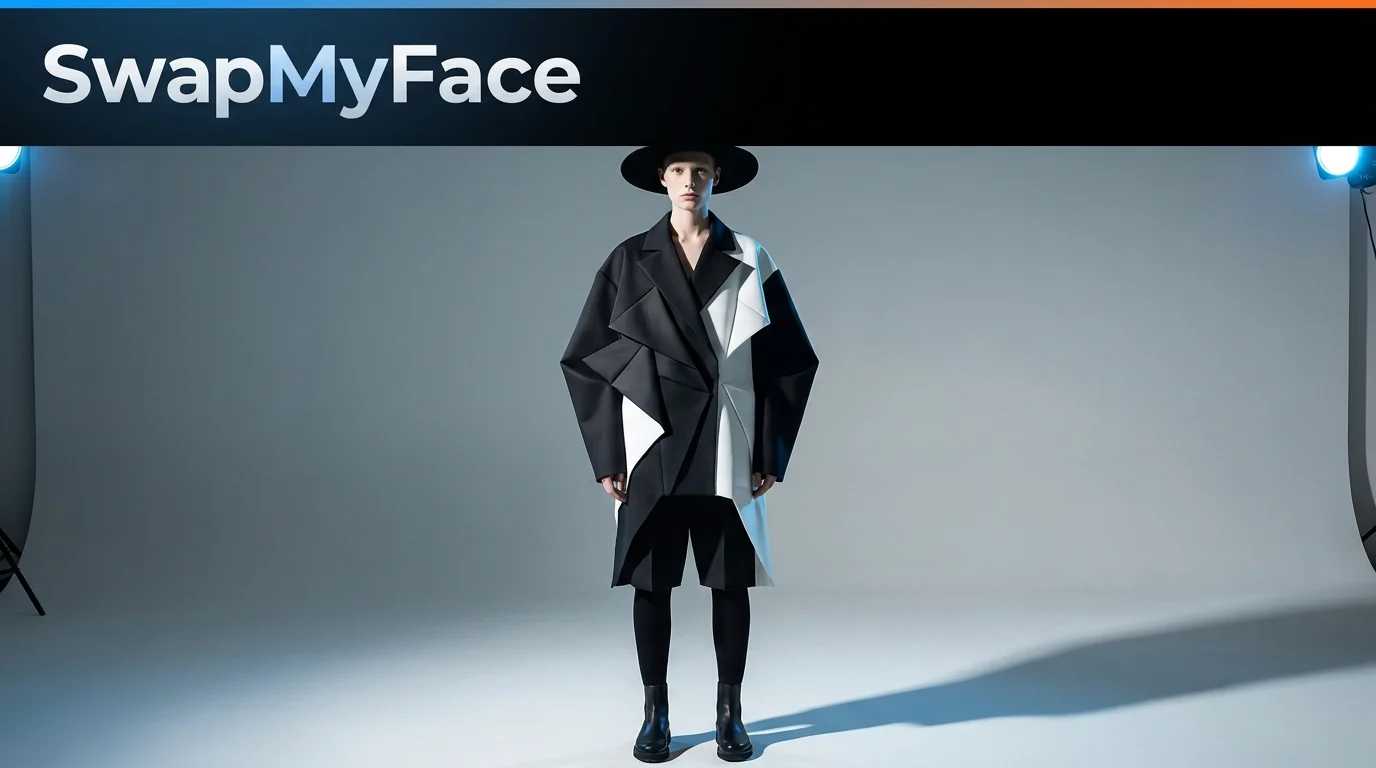
Put Your Face On A Fashion Model
Ever wanted to walk a Paris runway, star in a Vogue editorial, or front a luxury campaign? With AI face swap, you can drop your face onto any fashion model photo in seconds. Perfect for fashion fans, mood board builders, and anyone who wants stunning aspirational content. Here's how.
Why Put Your Face On A Fashion Model?
Fashion model face swaps look incredible. People use them for:
- Aspirational Profile Pics: Stand out with editorial-quality photos.
- Mood Boards: Test high fashion outfit ideas on yourself before buying.
- Cosplay Previews: Preview yourself in designer looks.
- Personal Branding: Use editorial-style photos for your portfolio or website.
- Viral Content: Fashion edits get strong engagement on Instagram.
Tools To Put Your Face On A Fashion Model
A few options exist.
Photoshop
Possible but slow and requires advanced skill to match editorial lighting.
AI Face Swap Tools
The fastest method. Take a real fashion editorial or runway photo, swap your face onto the model, and you have a polished result. SwapMyFace makes this clean and quick.
Fashion Styling Apps
Some apps let you try clothes on a digital avatar of you. Fun, but they do not have the polish of real fashion photography.
Step-By-Step Guide: How To Put Your Face On A Fashion Model
Here is the easiest workflow.
Step 1: Pick A Fashion Photo
Search Pinterest, Vogue Runway, or stock sites for a fashion photo you love. Editorial shoots, runway photos, and lookbook images all work great. Save one with a clear, front-facing face.
Step 2: Open SwapMyFace
Visit SwapMyFace and sign up.
Step 3: Upload The Fashion Photo
Upload it as your target image.
Step 4: Upload Your Selfie
Use a clear, well lit selfie. A neutral or confident expression fits fashion photography best.
Step 5: Run The Swap
The AI swaps your face onto the model. Studio lighting, makeup, and skin tones are matched automatically.
Step 6: Download And Share
Save and post. Fashion edits are some of the most striking content on Instagram.
Tip
The SwapMyFace Chrome extension lets you swap directly onto any fashion photo you find while browsing Pinterest or Vogue.
Tips For Better Fashion Face Swaps
- Studio Lighting Selfies: Fashion photos use professional lighting. A bright, even selfie blends best.
- Neutral Expression: Most fashion editorial is poker-faced. A serious or neutral selfie blends best.
- Front Facing: Direct head-on selfies always produce the cleanest blend.
- High Resolution: Editorial-quality photos produce sharper finals.
Fun Fashion Model Ideas
Runway Series
Swap into Milan, Paris, and New York runway photos for a fashion week carousel.
Vogue Editorial
Become a Vogue cover star with a high fashion edit.
Designer Lookbook
Drop yourself into Gucci, Prada, or Saint Laurent lookbook photos.
Friend Group Fashion Editorial
Cast your friends as a fashion editorial team.
Mood Board Builder
Use face swap to test luxury looks on yourself before buying.
Safety And Privacy
Fashion photos are copyrighted. Personal use and mood board posts are typically fine, but avoid commercial use or selling these edits.
Conclusion
Putting your face on a fashion model is one of the most aspirational edits you can make. With SwapMyFace, you can become a high fashion model in 5 seconds, no design skills required.