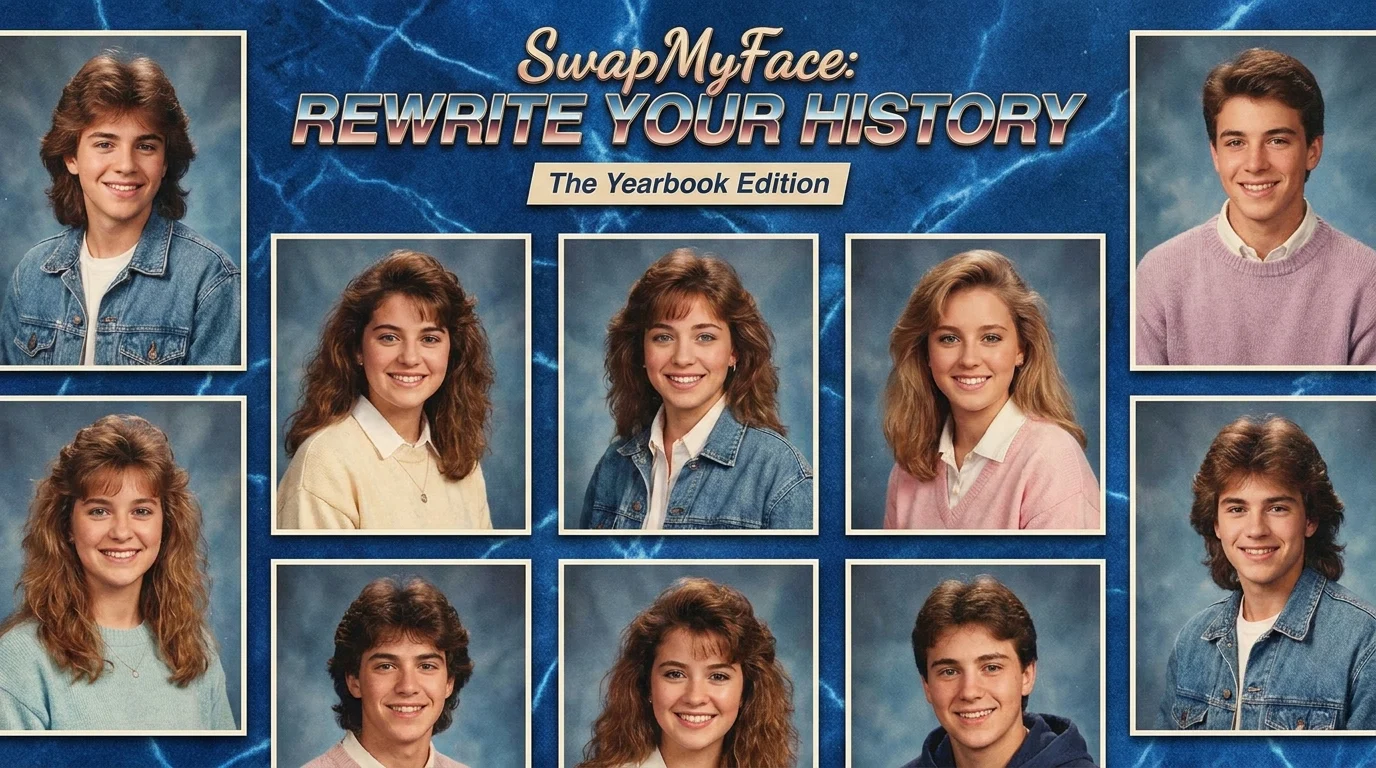
Put Your Face In A Yearbook Photo
The 90s yearbook photo trend is everywhere. Big hair, denim jackets, soft lighting, and that classic faded school portrait look. If you want to jump on the trend without paying for a subscription app, you can put your face in a yearbook photo using AI face swap tools in seconds.
Why Put Your Face In A Yearbook Photo?
The yearbook trend has been one of the biggest viral moments on TikTok and Instagram. Here is why people love it:
- Nostalgic Fun: See yourself styled like a 90s or 80s high schooler.
- Viral Trend: Yearbook posts pull in tons of views and shares.
- Friend Group Edits: Recreate a fake yearbook with your whole group.
- Birthday Cards: Give a friend a hilarious "throwback" portrait.
- Profile Pics: Use a yearbook portrait as a fun new profile picture.
Tools To Put Your Face In A Yearbook Photo
Some apps charge five or ten dollars for a few yearbook photos. There are better ways.
Subscription Yearbook Apps
Apps that went viral for this trend charge per pack and add watermarks to results. Quality varies and you cannot reuse the same photo for free.
AI Face Swap Tools
A smarter approach is to grab a free yearbook template image, then use an AI face swap tool to drop your face onto it. SwapMyFace makes this fast and there is no per-photo charge.
Manual Editing
You could try to do it in Photoshop with a vintage filter, but it usually looks fake without serious editing skills.
Step-By-Step Guide: How To Put Your Face In A Yearbook Photo
Here is the cheapest, fastest way to get the yearbook look.
Step 1: Find A Yearbook Template
Search for "90s yearbook photo" or "80s school portrait" on Pinterest, Google Images, or an AI image generator. Save the one you like.
Step 2: Open SwapMyFace
Go to SwapMyFace and sign up. The editor loads directly in your browser.
Step 3: Upload The Yearbook Template
Upload the yearbook photo as your target image. Make sure the original face is clear and centered.
Step 4: Upload Your Selfie
Pick a clear, front-facing selfie. A neutral or slightly smiling expression works best for that classic yearbook vibe.
Step 5: Run The Swap
The AI blends your face onto the yearbook template. Skin tone, lighting, and angle are matched automatically.
Step 6: Download And Post
Save your yearbook photo and post it. Tag friends, drop it on TikTok, or send it in a group chat for instant laughs.
Tip
Use the SwapMyFace Chrome extension to swap into any yearbook template you find online without saving files manually.
Tips For The Most Convincing Yearbook Look
- Pick The Right Era: 80s, 90s, and Y2K each have different lighting and hair styles. Match the look you want.
- Use Soft Lighting Selfies: Yearbook photos have soft, diffused lighting. Avoid harsh shadows.
- Front Facing: A direct, head-on selfie always blends best.
- Add Grain: After downloading, add a slight grain or film filter for extra realism.
Fun Yearbook Face Swap Ideas
Fake Class President
Make a yearbook portrait and add "Class President" or "Most Likely To Succeed" in Canva.
Friend Group Yearbook
Swap each friend into the same yearbook template and post them as a fake yearbook page.
Decade Series
Create yourself in 80s, 90s, and 2000s yearbook style and post them as a carousel.
Pet Edition
Drop your pet into a yearbook template for an instant viral post.
Safety And Privacy
Only use yearbook templates you have the right to edit. Avoid uploading photos of other people without their permission.
Conclusion
The yearbook photo trend is not going anywhere, and you do not need a paid app to join in. With SwapMyFace, you can put your face in a yearbook photo in seconds and skip the subscriptions, watermarks, and waiting lists.