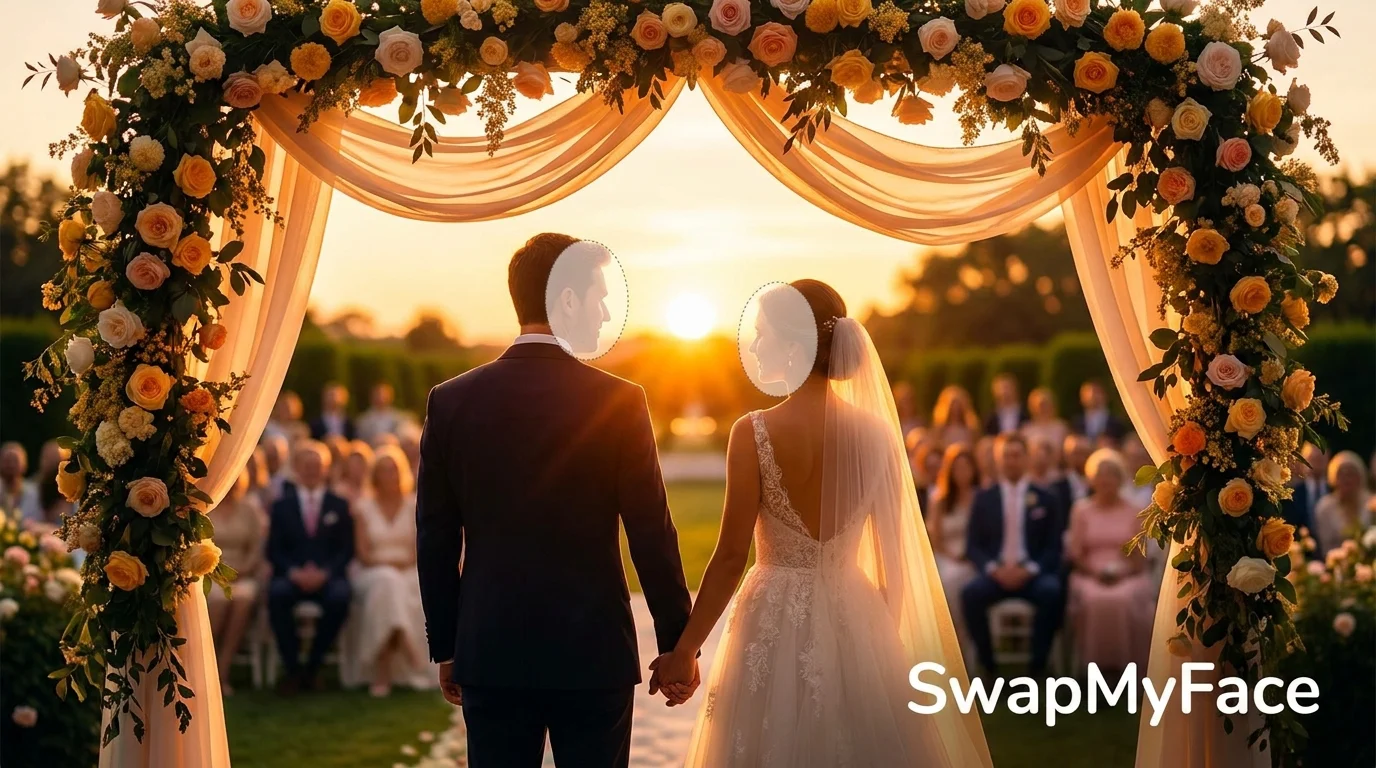
Put Your Face In A Wedding Photo
Wedding photos are some of the most special pictures we ever take. But what if you want to see your face in a wedding photo you were not part of? Maybe you want a romantic edit with your partner, a fun preview of your dream day, or you need to fix a guest who blinked in your real wedding gallery. With AI, you can put your face in a wedding photo in just a few clicks. Here is how to do it the easy way.
Why Put Your Face In A Wedding Photo?
Wedding face swaps are popular for many reasons. They are romantic, fun, and help you imagine special moments in a new way.
- Couple Previews: See what you and your partner would look like as bride and groom before the big day.
- Save-The-Dates: Create personalized save-the-date cards using a stunning wedding scene.
- Photographer Fixes: Replace a closed-eye guest with a better expression from another photo.
- Gifts: Make a custom wedding portrait for friends or family.
- Just For Fun: Drop your face into iconic celebrity wedding photos and share with friends.
Tools To Put Your Face In A Wedding Photo
There are many ways to swap faces in a wedding photo. Here are the best options.
Photo Editing Software
Programs like Photoshop give you full control, but they take a long time to learn and the results often look fake without practice.
Online AI Platforms
Online AI face swap tools are the fastest way to get a clean wedding photo edit. SwapMyFace is one of the simplest and most affordable options. It runs in your browser, blends faces naturally, and works on both desktop and mobile.
Mobile Apps
There are wedding face swap apps on iOS and Android, but most lock the best features behind a subscription. SwapMyFace works directly on your phone browser, so you do not need to install anything.
Step-By-Step Guide: How To Put Your Face In A Wedding Photo
Here is the easiest way to put your face into any wedding photo using SwapMyFace.
Step 1: Pick Your Wedding Photo
Choose the wedding photo you want to swap into. It could be a Pinterest pin, a celebrity wedding shot, a stock photo, or your own gallery. High resolution images with clear faces produce the best results.
Step 2: Open SwapMyFace
Head to SwapMyFace and sign up. There is no heavy download and the editor opens right in your browser.
Step 3: Upload The Wedding Photo
Upload the wedding photo as your target image. Make sure the face you want to replace is visible and well lit.
Step 4: Upload Your Face
Upload a clear, front-facing selfie. Good lighting and a neutral expression help the AI blend your face naturally with the wedding scene.
Step 5: Generate The Swap
Let the AI do its thing. In a few seconds you will see your face perfectly placed into the wedding photo, with skin tones and lighting matched to the original.
Step 6: Download And Share
Download your finished wedding photo. Print it, send it in a save-the-date, post it on Instagram, or use it as a fun gift.
Tip
If you are using Chrome, install the SwapMyFace Chrome extension. You can swap faces directly from any wedding photo you find on the web.
Tips For Realistic Wedding Face Swaps
- Match The Angle: Use a selfie where your face is angled like the face in the wedding photo.
- Use Good Lighting: Bright, even light on your selfie always produces a cleaner blend.
- High Resolution: The better the original wedding photo, the better the final edit will look.
- Try Multiple Selfies: Different expressions give very different results.
Fun Ideas For Wedding Face Swaps
Bride And Groom Preview
Drop you and your partner into a styled wedding photo to preview your dream look before booking a photographer.
Celebrity Wedding Swap
Place yourself in a famous celebrity wedding photo for a fun social media post.
Bridal Party Edits
Swap faces with your bridesmaids or groomsmen in a wedding party photo.
Old Family Photo Revival
Put modern faces into a vintage wedding photo to celebrate parents or grandparents.
Safety And Privacy
Always use trusted face swap tools and be careful where you share photos that include other people. Do not upload images you do not have permission to edit.
Conclusion
Putting your face in a wedding photo is one of the most fun things you can do with AI today. Whether you are planning your real wedding, making a creative gift, or just having fun, SwapMyFace makes it fast, clean, and affordable.