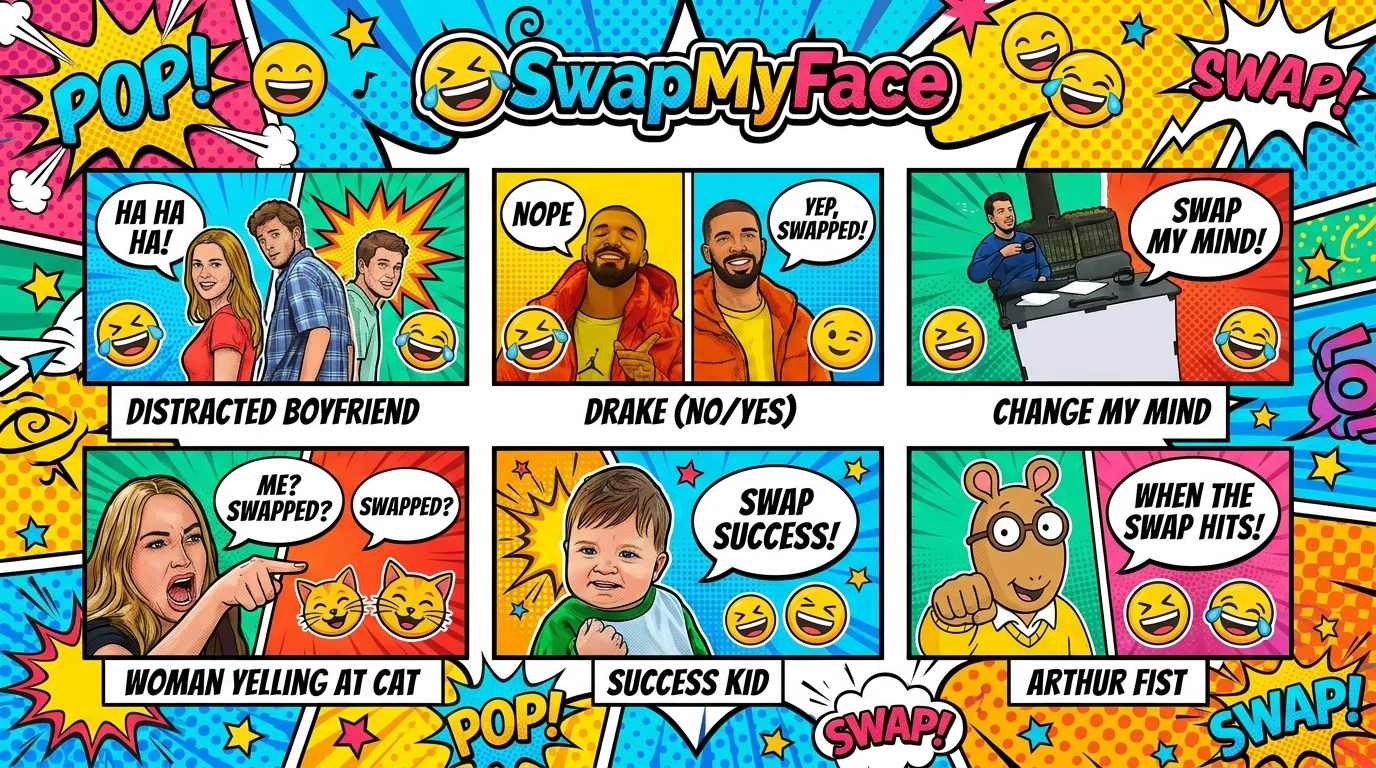
Put Your Face In A Meme Template
Memes are how the internet talks. Adding your face to a classic meme template makes it ten times funnier and instantly personal. Distracted Boyfriend, Drake Yes No, Disaster Girl, Side Eyeing Chloe. Whichever meme you want, you can put your face in a meme template in seconds with AI. Here is the easiest way to do it.
Why Put Your Face In A Meme Template?
Personalized memes hit different. People love them for:
- Group Chat Domination: A meme with a friend's face wins every group chat.
- Birthday Cards: Custom memes are the modern birthday card.
- Office Humor: Roast a coworker with a tasteful meme edit.
- Viral TikToks: Personalized memes pull big engagement.
- Reaction Images: Make your own reaction pics for Discord, Slack, or iMessage.
Tools To Put Your Face In A Meme Template
There are a few ways to make a face swap meme, but only one is fast.
Meme Generators
Sites like Imgflip add text to templates but cannot swap faces.
AI Face Swap Tools
The best method. Pick any meme template, swap your face onto the main character, and you have an instantly personal meme. SwapMyFace is one of the simplest tools and works in your browser.
Photoshop
Possible, but slow. By the time you finish editing, the meme has expired.
Step-By-Step Guide: How To Put Your Face In A Meme Template
Here is how to dominate the group chat with personalized memes.
Step 1: Pick A Meme Template
Find the meme template you want. Imgflip, KnowYourMeme, and Reddit all have good archives. Save the image.
Step 2: Open SwapMyFace
Visit SwapMyFace and sign up. The editor opens right in the browser.
Step 3: Upload The Meme
Upload the meme template as your target image. Make sure the face you want to replace is clear.
Step 4: Upload Your Selfie
Use a front-facing selfie. For maximum meme energy, pick an exaggerated facial expression that matches the original meme.
Step 5: Run The Swap
The AI swaps your face onto the meme character automatically.
Step 6: Add Text And Share
Add custom text in any free meme generator or Canva, then send it everywhere.
Tip
The SwapMyFace Chrome extension lets you swap into any meme image you spot online without saving files manually.
Tips For Better Meme Face Swaps
- Match The Emotion: A surprised meme needs a surprised selfie.
- Front Facing Selfies: Direct angle selfies always blend best.
- High Resolution: Sharper memes look more professional once edited.
- Add Text Last: Swap first, then add the meme caption for the cleanest look.
Fun Meme Face Swap Ideas
Classic Templates
Drop your face into Distracted Boyfriend, Drake Yes No, This Is Fine, or Disaster Girl.
Friend Group Memes
Swap each friend into the right meme based on their personality.
Office Memes
Use coworker faces in classic templates for the company Slack.
Birthday Memes
Turn a friend's selfie into a meme starring them. Send it on their birthday.
Self-Deprecating Pics
Make memes about yourself for personal social posts.
Safety And Privacy
Meme templates are usually fair game, but be respectful. Avoid making memes that could embarrass or upset the people in them.
Conclusion
Putting your face in a meme template is the easiest way to make personal, shareable content that actually lands. With SwapMyFace, you can become any meme in seconds and win every group chat for the rest of the year.