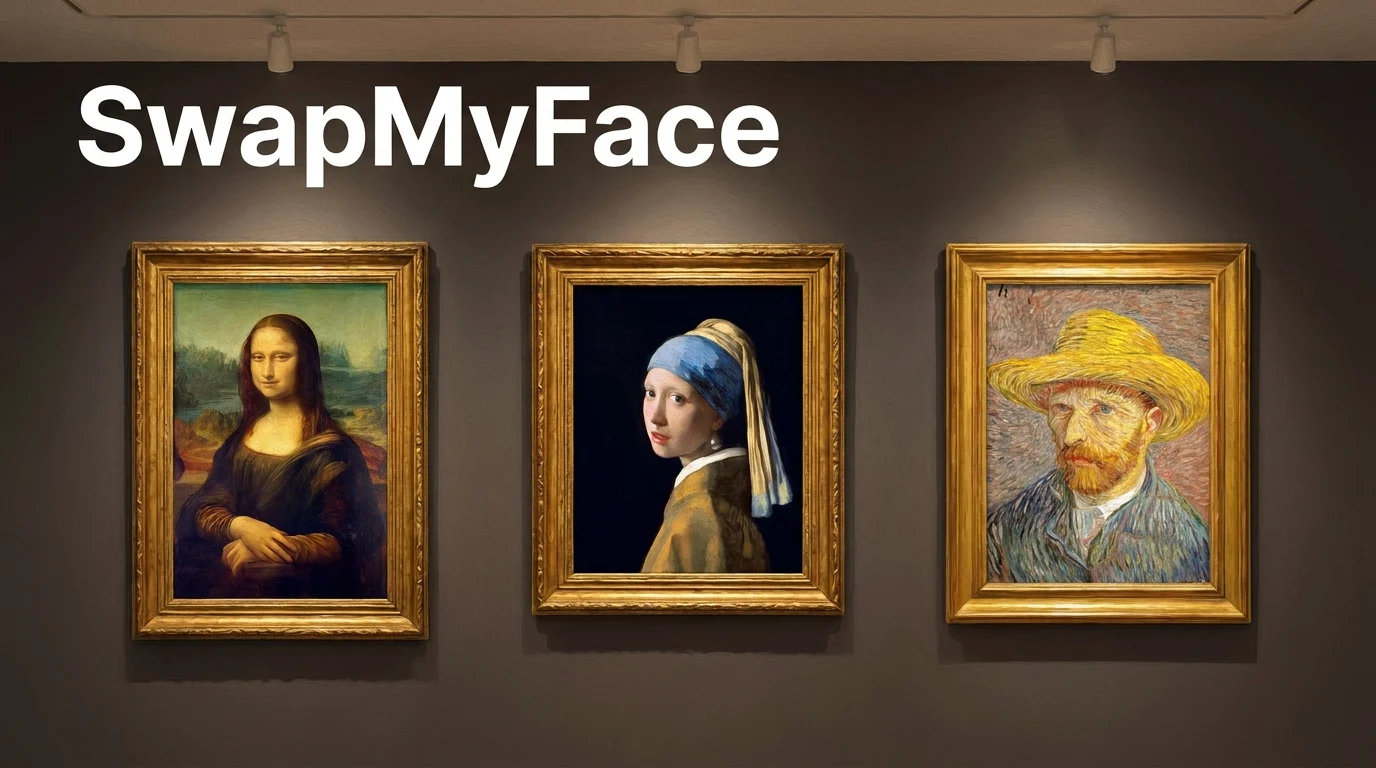
Put Your Face In A Famous Painting
The Mona Lisa. The Girl with a Pearl Earring. American Gothic. Self portraits by Van Gogh. These paintings are some of the most recognized images in human history. With AI face swap, you can step into any of them in seconds. Here is how to put your face into a famous painting the easy way.
Why Put Your Face In A Famous Painting?
Famous painting face swaps make for unforgettable content. People love them for:
- Art Lover Profile Pics: Stand out with a one-of-a-kind avatar.
- Museum Gift Shop Vibes: Print your edit on a tote bag or canvas.
- Birthday Cards For Art Fans: A custom Mona Lisa with a friend's face.
- Viral Social Posts: Famous painting edits get strong engagement.
- Group Art History Series: Cast your friends as different masters.
Tools To Put Your Face In A Famous Painting
A few options exist.
AI Style Generators
Some tools generate a painting style from your selfie. Cool, but the result is generated, not your face in a real masterpiece.
AI Face Swap Tools
The best method. Use a high-resolution scan of a real famous painting, swap your face onto the subject, and the result looks like the original painting with your face in it. SwapMyFace handles this in 5 seconds.
Photoshop
Possible but takes hours of careful blending.
Step-By-Step Guide: How To Put Your Face In A Famous Painting
Here is the easiest workflow.
Step 1: Pick A Famous Painting
Choose your painting. Great options include:
- Mona Lisa
- Girl with a Pearl Earring
- American Gothic
- The Birth of Venus
- Van Gogh self portraits
- Klimt's The Kiss
- Frida Kahlo self portraits
- The Arnolfini Portrait
Most major museums offer high-resolution scans for free download. Save the image.
Step 2: Open SwapMyFace
Go to SwapMyFace and sign up.
Step 3: Upload The Painting
Upload it as your target image.
Step 4: Upload Your Selfie
Use a clear selfie. Match the head angle and expression of the painting for the best blend.
Step 5: Run The Swap
The AI swaps your face onto the painted figure. Brush strokes and color tones are matched automatically.
Step 6: Download And Share
Save and post. Famous painting edits look stunning as profile pictures.
Tip
The SwapMyFace Chrome extension lets you swap directly onto any painting you find online.
Tips For Realistic Painting Face Swaps
- Match The Expression: Mona Lisa's faint smile, the Pearl Earring girl's curious glance. Match the mood in your selfie.
- Use The Same Angle: A selfie at the same head angle as the painting produces the cleanest blend.
- Soft Lighting: Classical paintings use soft lighting. Indoor selfies blend best.
- High Resolution: Museum-quality scans produce the sharpest results.
Fun Famous Painting Ideas
Renaissance Series
Swap into Mona Lisa, the Last Supper figures, and other Renaissance icons.
Self Portrait Series
Van Gogh, Frida Kahlo, Rembrandt. Recreate the masters as yourself.
Couple Painting
Swap you and your partner into The Kiss or The Arnolfini Portrait.
Friend Group Art History
Cast your friends as different masterpieces.
Holiday Gifts
Print a custom famous painting edit on canvas for a unique art gift.
Already Love Renaissance Style?
If you specifically love classical oil paintings, check out our existing guide on putting your face in a Renaissance oil painting.
Safety And Privacy
Most pre-1928 paintings are in the public domain. Always double check the licensing for modern works before commercial use.
Conclusion
Putting your face in a famous painting is one of the most striking edits you can make. With SwapMyFace, you can become the Mona Lisa, the Girl with a Pearl Earring, or any other masterpiece in 5 seconds.