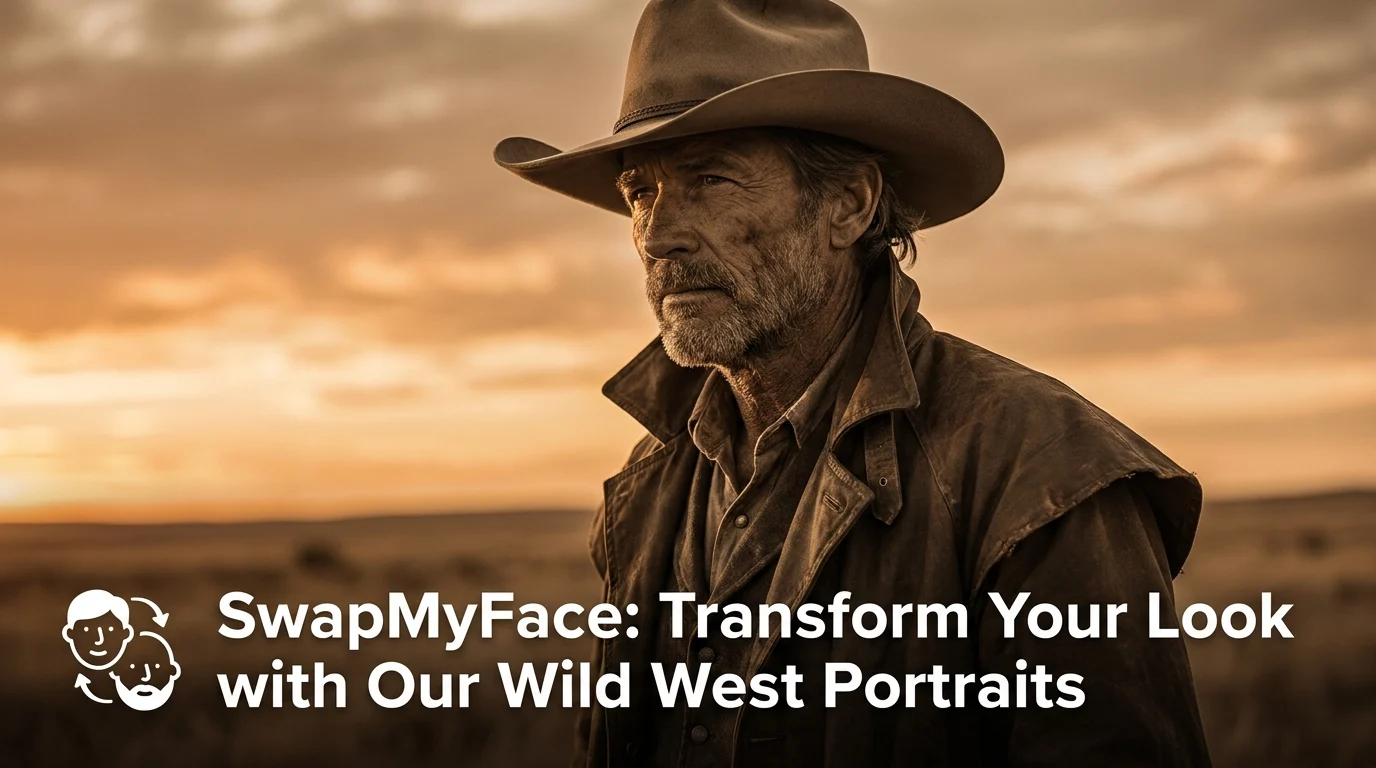
Put Your Face In A Cowboy Photo
Cowboy hats, dusty saloons, sunsets over the prairie. The Western aesthetic never goes out of style. With AI face swap, you can step into a classic cowboy photo in seconds. Western parties, rodeo posts, country music vibes. Here's how to do it.
Why Put Your Face In A Cowboy Photo?
Cowboy face swaps are perfect for many occasions. People love them for:
- Western Themed Parties: Send custom cowboy invitations.
- Rodeo And Country Events: Post a custom edit to hype the event.
- Country Music Fan Posts: Become a Western legend for an album cover style post.
- Themed Wedding Content: A Western wedding deserves Western edits.
- Group Cowboy Photos: Cast your whole friend group as the new posse in town.
Tools To Put Your Face In A Cowboy Photo
A few approaches.
Photoshop
Possible but slow.
AI Face Swap Tools
The fastest method. Use a real Western photo or vintage cowboy portrait, swap your face onto the figure, and you have a clean result. SwapMyFace does this in 5 seconds.
Cowboy Style Generators
Some AI tools generate a Western-style version of you. Useful, but a face swap onto a real photo looks more authentic.
Step-By-Step Guide: How To Put Your Face In A Cowboy Photo
Here is the simplest workflow.
Step 1: Find A Cowboy Photo
Choose your source image. Great options include:
- Vintage 1800s cowboy portraits (often public domain)
- Modern rodeo competition photos
- Western movie stills (Clint Eastwood, Yellowstone, 1883)
- Country music album covers
- Cowboy fashion editorial shots
Save an image with a clear, front-facing face.
Step 2: Open SwapMyFace
Visit SwapMyFace and sign up.
Step 3: Upload The Cowboy Photo
Upload it as your target image.
Step 4: Upload Your Selfie
Use a clear, well lit selfie. A serious or stoic expression works best for Western photos.
Step 5: Run The Swap
The AI swaps your face onto the cowboy. Sepia tones, dust, and harsh lighting are matched automatically.
Step 6: Download And Share
Save and post. Western edits play great on Instagram and TikTok.
Tip
The SwapMyFace Chrome extension lets you swap directly onto any cowboy photo you find online.
Tips For Realistic Cowboy Face Swaps
- Serious Expression: Cowboys rarely smile in photos. Use a stoic selfie.
- Warm Lighting: Western photos use warm, golden lighting. A warm-toned selfie blends best.
- Front Facing: Direct head-on selfies always produce the cleanest blend.
- Add Grain: For vintage cowboy photos, add slight film grain after the swap for extra authenticity.
Fun Cowboy Face Swap Ideas
Western Birthday Invites
Send custom cowboy invitations for a Wild West birthday party.
Yellowstone Spotlight
Drop yourself into a Yellowstone cast still.
Friend Group Posse
Cast your friend group as the new sheriff and deputies.
Wedding Photo Booth
Create cowboy face swap photo booth prints for a Western themed wedding.
Country Album Cover
Make a fake country album cover featuring yourself.
Safety And Privacy
Vintage cowboy photos are usually public domain. Modern movie stills and country album covers are copyrighted. Personal use is typically fine.
Conclusion
Putting your face in a cowboy photo is one of the most fun Western themed edits you can make. With SwapMyFace, you can become a Wild West legend in 5 seconds, no editing skills required.