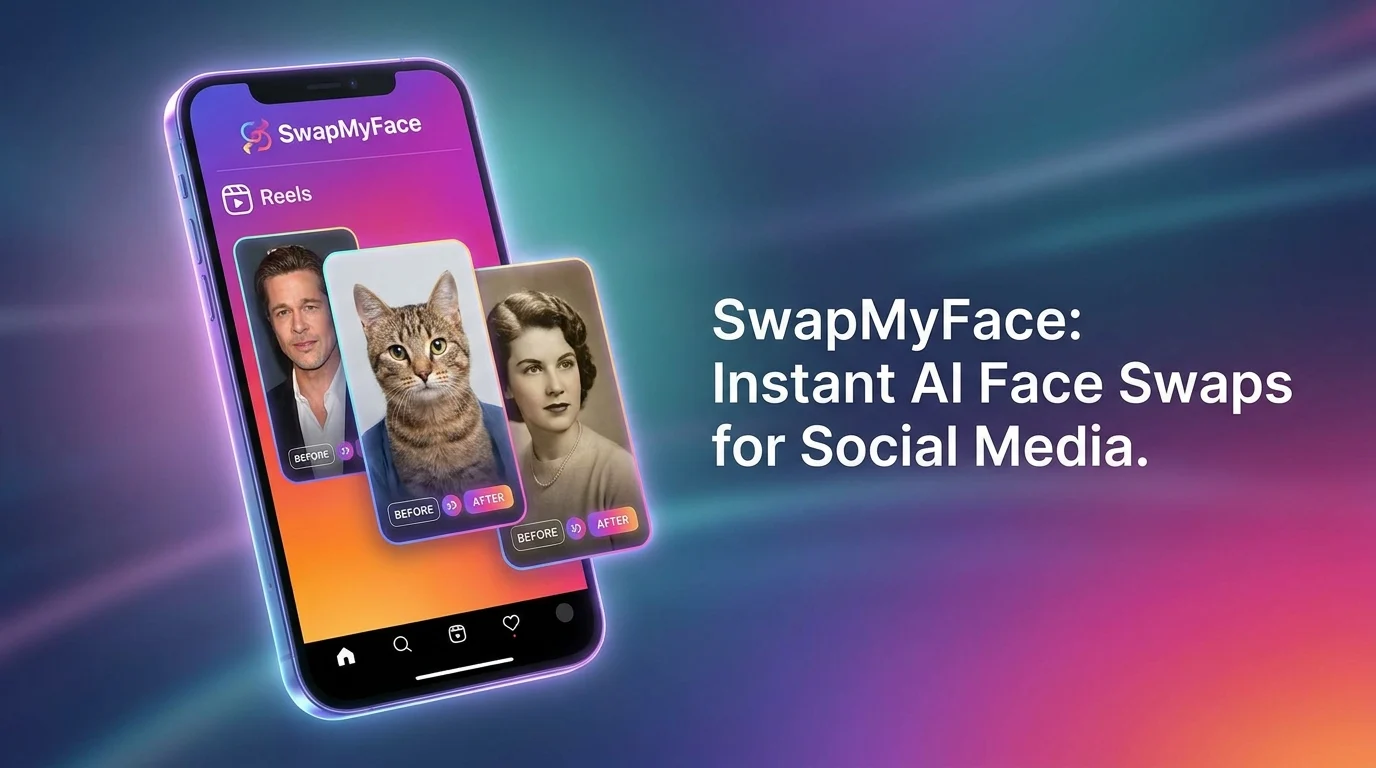
Face Swap For Instagram Reels
Instagram Reels rewards creators who can grab attention fast. A clean face swap inserted into a trending Reel is one of the most reliable ways to stop the scroll. Whether you are participating in a trend, building a thumbnail, or making a meme, here is how to use face swap to boost your Reels.
Why Use Face Swap For Instagram Reels?
Face swap content fits perfectly with how people consume Reels. Here is why it works:
- Visual Hook: A recognizable face in an unexpected spot grabs attention immediately.
- Trend Participation: Join any trending moment without filming yourself in costume.
- Custom Covers: Build stand-out cover frames so your Reels stand out in your grid.
- Shareable Content: Personalized face swaps get more DM shares than plain selfies.
- Friend Group Edits: Group face swap Reels pull big engagement.
Tools To Face Swap For Instagram Reels
You have a few options for adding face swaps to your Reels workflow.
Mobile Face Swap Apps
App store options work, but most add watermarks, push weekly subscriptions, or lock the best templates behind paid tiers.
AI Face Swap In The Browser
The fastest, cleanest option. SwapMyFace runs in your browser, swaps faces in about 5 seconds, and downloads watermark-free images you can drop straight into your Reels editor.
Manual Editing In CapCut Or Premiere
Possible but slow. AI handles face swap blending in seconds.
Step-By-Step Guide: How To Face Swap For Reels
Here is the easiest way to bring face swap content to Instagram Reels.
Step 1: Find Your Target Image Or Frame
Grab a screenshot from a trending Reel, a celebrity moment, or any visual you want to insert yourself into.
Step 2: Open SwapMyFace
Go to SwapMyFace and sign up. The editor opens in your browser on desktop or mobile.
Step 3: Upload Your Target
Upload the trending image as your target.
Step 4: Upload Your Selfie
Use a clean, well lit selfie. Matching the expression of the original face makes the swap feel natural.
Step 5: Run The Swap
The AI generates a clean face swap in seconds with no watermark.
Step 6: Build Your Reel
Drop the swapped image into your Reels editor, CapCut, or InShot to finish the video.
Tip
The SwapMyFace Chrome extension lets you swap directly from any image you find while researching trends.
Tips For Higher Performing Reels Face Swap Content
- Front-Load The Reveal: Show the face swapped frame in the first second.
- Match Trending Audio: Reels favor content paired with trending sounds.
- Use A Cover That Hints: Set a face swapped cover that tells viewers something surprising is coming.
- Friend Group Posts: Swap each friend into the same trend for a carousel-style Reel.
- Post Consistently: Reels reach scales when you post on a steady schedule.
Fun Reels Face Swap Ideas
Celebrity Cameos
Swap into a viral celebrity Reel moment for instant scroll stopping content.
Trend Inserts
Drop your face onto any trending Reels meme or transformation challenge.
Throwback Edits
Swap into iconic 90s and 2000s celebrity photos for nostalgia content.
Group Highlights
Recap a night out by swapping each friend into a different celebrity moment.
Travel Edits
Insert yourself into iconic travel shots for aspirational Reels covers.
Safety And Privacy
Be thoughtful with face swap content. Only use photos of people who have agreed to be in your content, and follow Instagram's community guidelines.
Conclusion
Face swap is one of the most reliable ways to make Reels worth saving. With SwapMyFace, you get clean, watermark-free face swaps in seconds and a workflow that fits right into your existing Reels routine.